ChatGPT & Claude Export Viewer
Open your official ChatGPT or Claude data export (the zip or conversations.json), browse and full-text search every conversation, and save any chat as clean Markdown. 100% local — the file is parsed in your browser and never uploaded, so your chat history stays private.
Drop your export zip or conversations.json here, or click to browse
ChatGPT: Settings → Data controls → Export data. Claude: Settings → Privacy → Export data. Both send you a zip by email.
Parsed locally in your browser — nothing is uploaded
How to export your ChatGPT chat history
OpenAI does not offer a one-click download inside a conversation — you request a full data export and receive a zip by email. Here is the whole flow, then drop the zip on this page.
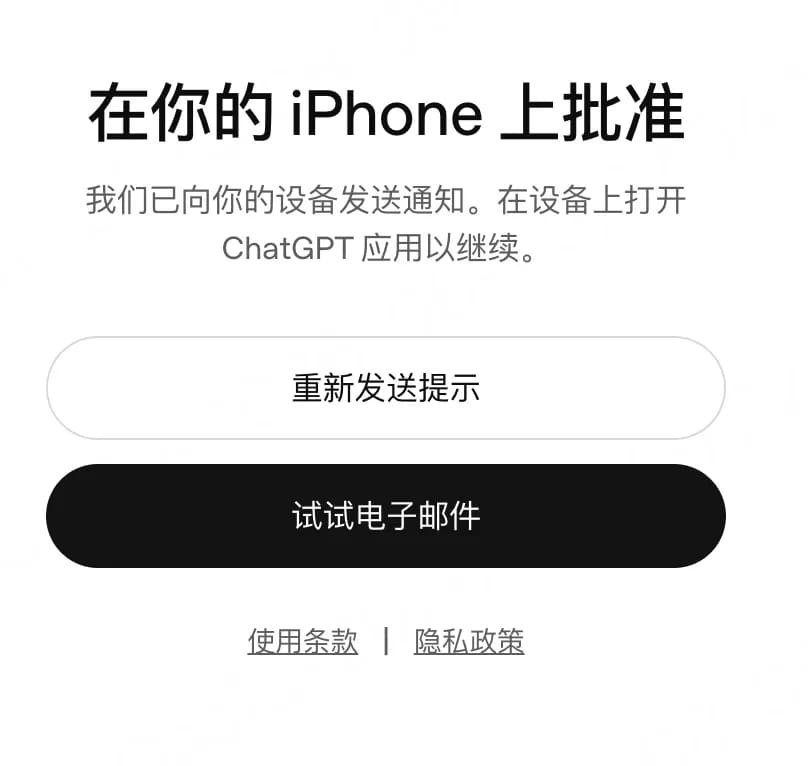
1Sign in and verify
Open chatgpt.com and sign in. If it asks you to confirm your identity, tap Approve in the ChatGPT mobile app — or choose “Try email instead” and enter the code sent to your inbox.
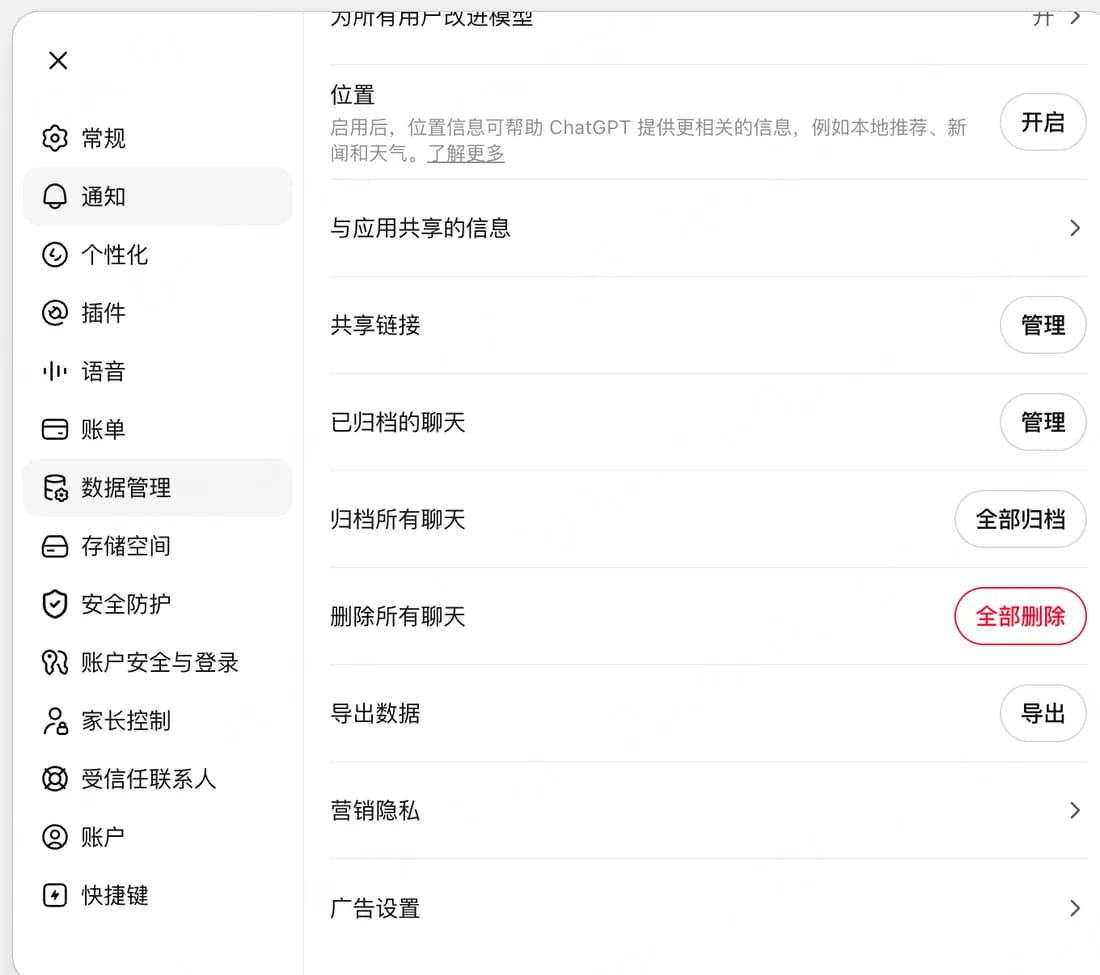
2Settings → Data controls → Export data
Click your avatar in the top-right corner, open Settings, pick Data controls in the left sidebar, then hit Export next to “Export data” and confirm.
3Grab the zip from your email
OpenAI emails you a download link, usually within minutes. The link expires, so download it soon. Inside the zip is conversations.json — the file that holds every chat.
4Drop it on this page
Drag the zip (or conversations.json) into the box above to browse, full-text search, and export any conversation as Markdown.
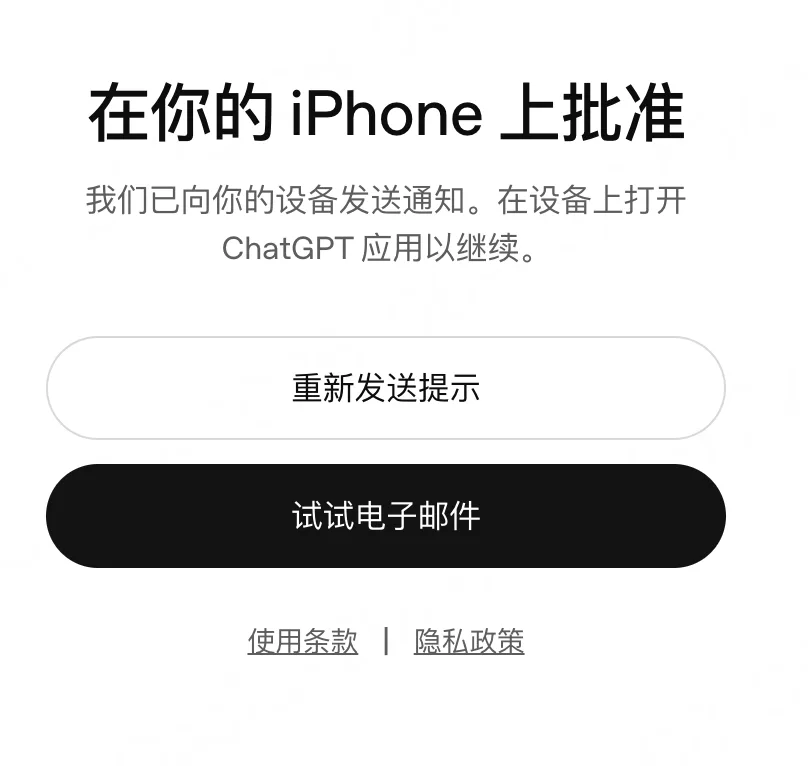
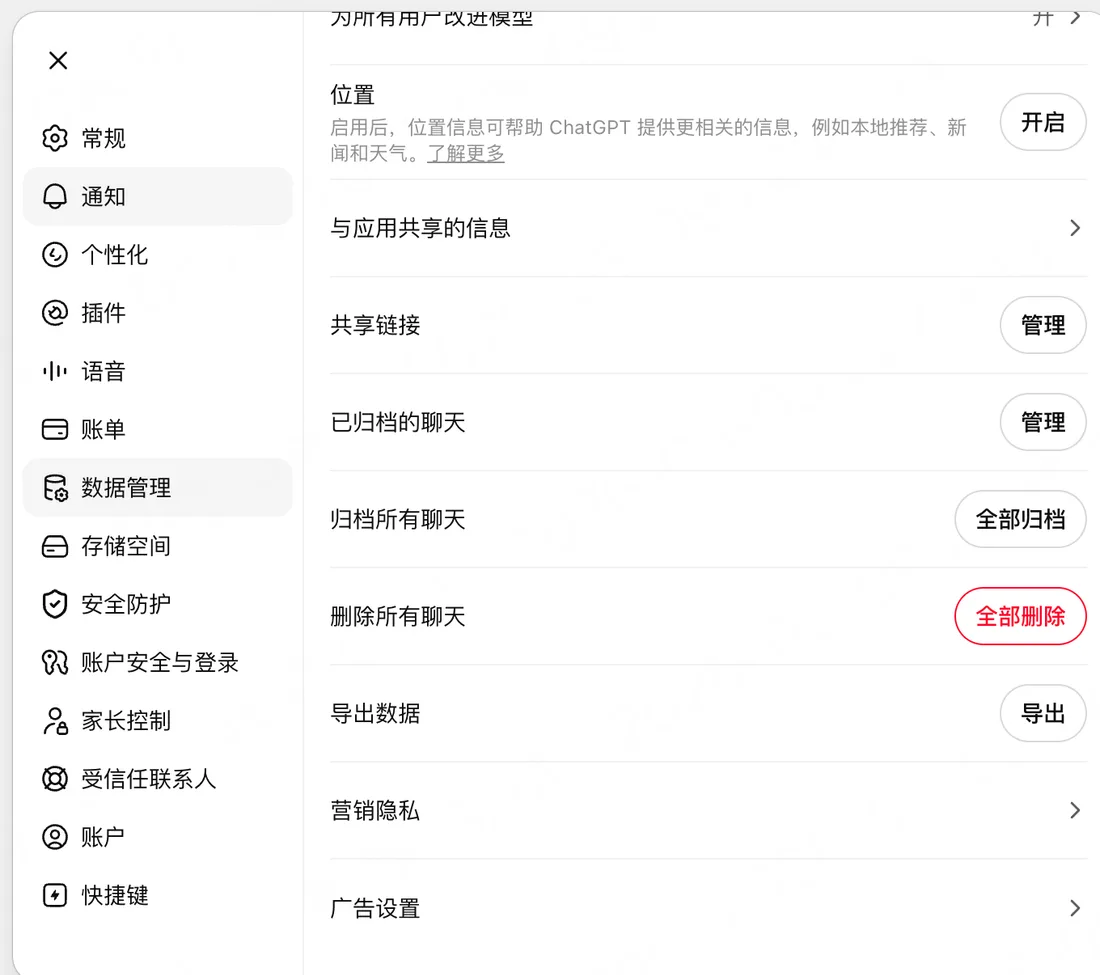
Using Claude? On claude.ai, click your avatar at the bottom-left → Settings → Privacy → Export data. Claude also emails you a zip containing conversations.json, and this viewer reads it the same way.
Your export is parsed in the browser — the file never leaves your device.
How to use / Why use this tool / FAQ
How to use
First request your data export: in ChatGPT go to Settings → Data controls → Export data; in Claude go to Settings → Privacy → Export data. Both email you a zip file. Drop that zip (or the conversations.json inside it) onto this page — parsing happens instantly in your browser. You get a searchable list of every conversation with dates and message counts. Type in the search box to full-text search across titles and message content. Click any conversation to read it, then copy it as Markdown or download it as a .md file with clean 'You / Assistant' formatting.
Why use this tool
The official exports are almost unusable: ChatGPT hands you a raw conversations.json holding your entire history in one tree-structured blob, with no way to read, search, or extract a single chat. Existing workarounds are browser extensions that want account access, paid subscription tools, or Python scripts. This viewer is a free web page that parses the export locally — nothing is uploaded, which matters because a chat export contains your most sensitive prompts. Use it to rescue a prompt you wrote months ago, archive an important conversation as Markdown in your notes, search your history faster than the ChatGPT UI allows, or extract chats before deleting an account. It reads both ChatGPT and Claude export formats and follows the active branch of edited ChatGPT conversations, so you see the version you actually kept.
FAQ
- How do I export my ChatGPT conversation history?
- In ChatGPT: Settings → Data controls → Export data → Confirm. OpenAI emails you a download link (valid 24 hours) for a zip containing conversations.json and your other account data. Drop that zip straight into this tool.
- How do I export my Claude conversation history?
- In Claude: Settings → Privacy → Export data. Anthropic emails you a zip with a conversations.json covering all your chats. This tool reads it directly.
- Is my chat history uploaded to your server?
- No. The zip is unpacked and parsed entirely in your browser with JavaScript — no bytes leave your device. This is the whole point: a chat export is extremely sensitive, and pasting it into a random online converter or extension is a real privacy risk.
- Can I export a single conversation to Markdown?
- Yes — that is the core feature the official export lacks. Select any conversation and copy or download it as a .md file with '### You' and '### Assistant' headings, ready for Obsidian, Notion, or a git repo.
- Why do some ChatGPT conversations show fewer messages than I remember?
- ChatGPT stores conversations as a tree: when you edit a message or regenerate a response, the old branch stays in the file. This viewer follows the active branch (what you actually kept), so abandoned branches are not shown.
- How large an export can it handle?
- Parsing runs in your browser, so it depends on your device memory. Exports with thousands of conversations (hundreds of MB of JSON) typically load in a few seconds on a modern laptop. If your zip is over ~1 GB, extract conversations.json first and drop just that file.
- Does it show images, files, or voice messages from chats?
- No — it extracts text messages only. Attachments and generated images are stored separately in the export and are not rendered. Code blocks, however, survive fine since they are plain text inside messages.
- Does it work with Gemini exports?
- Not yet. Google Takeout ships Gemini history in a different format. Support may be added if there is demand — the tool currently recognizes ChatGPT and Claude conversations.json files.